

Phone Icon 8080808964

support@nuevogadgets.com

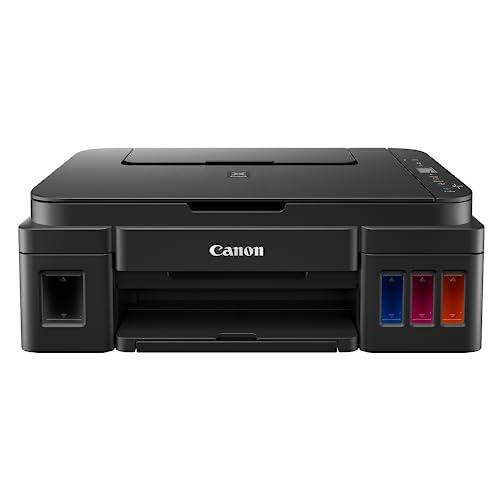
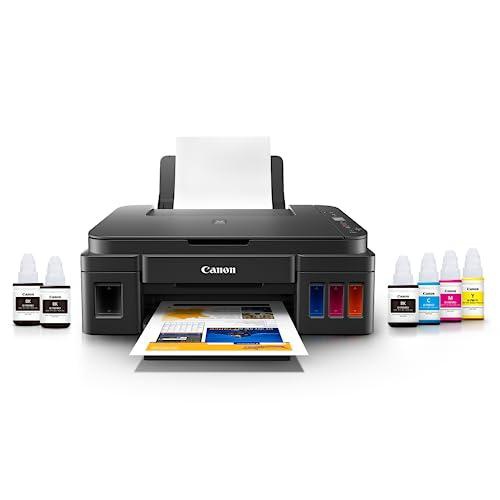
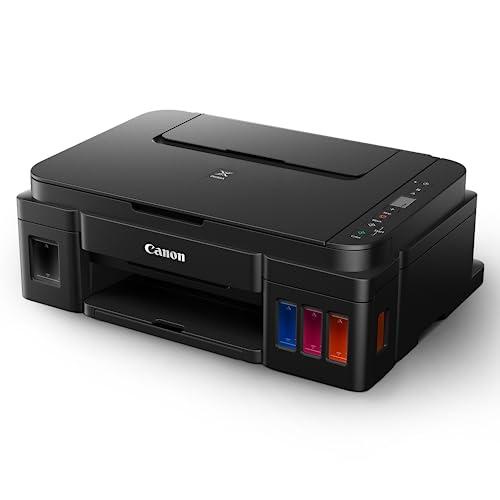
Canon PIXMA G2012 All-in-One Ink Tank Colour Printer with 2 Black Ink Bottles (6000 Prints) and Colour Bottles (7000 Prints) - Image 1Canon PIXMA G2012 All-in-One Ink Tank Colour Printer with 2 Black Ink Bottles (6000 Prints) and Colour Bottles (7000 Prints) - Image 2Canon PIXMA G2012 All-in-One Ink Tank Colour Printer with 2 Black Ink Bottles (6000 Prints) and Colour Bottles (7000 Prints) - Image 3Canon PIXMA G2012 All-in-One Ink Tank Colour Printer with 2 Black Ink Bottles (6000 Prints) and Colour Bottles (7000 Prints) - Image 4Canon PIXMA G2012 All-in-One Ink Tank Colour Printer with 2 Black Ink Bottles (6000 Prints) and Colour Bottles (7000 Prints) - Image 5Canon PIXMA G2012 All-in-One Ink Tank Colour Printer with 2 Black Ink Bottles (6000 Prints) and Colour Bottles (7000 Prints) - Image 6Canon PIXMA G2012 All-in-One Ink Tank Colour Printer with 2 Black Ink Bottles (6000 Prints) and Colour Bottles (7000 Prints) - Image 7Canon PIXMA G2012 All-in-One Ink Tank Colour Printer with 2 Black Ink Bottles (6000 Prints) and Colour Bottles (7000 Prints) - Image 8Canon PIXMA G2012 All-in-One Ink Tank Colour Printer with 2 Black Ink Bottles (6000 Prints) and Colour Bottles (7000 Prints) - Image 9Canon PIXMA G2012 All-in-One Ink Tank Colour Printer with 2 Black Ink Bottles (6000 Prints) and Colour Bottles (7000 Prints) - Image 10Canon PIXMA G2012 All-in-One Ink Tank Colour Printer with 2 Black Ink Bottles (6000 Prints) and Colour Bottles (7000 Prints) - Image 11Canon PIXMA G2012 All-in-One Ink Tank Colour Printer with 2 Black Ink Bottles (6000 Prints) and Colour Bottles (7000 Prints) - Image 12Canon PIXMA G2012 All-in-One Ink Tank Colour Printer with 2 Black Ink Bottles (6000 Prints) and Colour Bottles (7000 Prints) - Image 13Canon PIXMA G2012 All-in-One Ink Tank Colour Printer with 2 Black Ink Bottles (6000 Prints) and Colour Bottles (7000 Prints) - Image 14Canon PIXMA G2012 All-in-One Ink Tank Colour Printer with 2 Black Ink Bottles (6000 Prints) and Colour Bottles (7000 Prints) - Image 15Canon PIXMA G2012 All-in-One Ink Tank Colour Printer with 2 Black Ink Bottles (6000 Prints) and Colour Bottles (7000 Prints) - Image 16
Canon PIXMA G2012 All-in-One Ink Tank Colour Printer with 2 Black Ink Bottles (6000 Prints) and Colour Bottles (7000 Prints) - Image 1
  • Canon PIXMA G2012 All-in-One Ink Tank Colour Printer with 2 Black Ink Bottles (6000 Prints) and Colour Bottles (7000 Prints) - Image 1
  • Canon PIXMA G2012 All-in-One Ink Tank Colour Printer with 2 Black Ink Bottles (6000 Prints) and Colour Bottles (7000 Prints) - Image 2
  • Canon PIXMA G2012 All-in-One Ink Tank Colour Printer with 2 Black Ink Bottles (6000 Prints) and Colour Bottles (7000 Prints) - Image 3
  • Canon PIXMA G2012 All-in-One Ink Tank Colour Printer with 2 Black Ink Bottles (6000 Prints) and Colour Bottles (7000 Prints) - Image 4
  • Canon PIXMA G2012 All-in-One Ink Tank Colour Printer with 2 Black Ink Bottles (6000 Prints) and Colour Bottles (7000 Prints) - Image 5
  • Canon PIXMA G2012 All-in-One Ink Tank Colour Printer with 2 Black Ink Bottles (6000 Prints) and Colour Bottles (7000 Prints) - Image 6
  • Canon PIXMA G2012 All-in-One Ink Tank Colour Printer with 2 Black Ink Bottles (6000 Prints) and Colour Bottles (7000 Prints) - Image 7
  • Canon PIXMA G2012 All-in-One Ink Tank Colour Printer with 2 Black Ink Bottles (6000 Prints) and Colour Bottles (7000 Prints) - Image 8
  • Canon PIXMA G2012 All-in-One Ink Tank Colour Printer with 2 Black Ink Bottles (6000 Prints) and Colour Bottles (7000 Prints) - Image 9
  • Canon PIXMA G2012 All-in-One Ink Tank Colour Printer with 2 Black Ink Bottles (6000 Prints) and Colour Bottles (7000 Prints) - Image 10
  • Canon PIXMA G2012 All-in-One Ink Tank Colour Printer with 2 Black Ink Bottles (6000 Prints) and Colour Bottles (7000 Prints) - Image 11
  • Canon PIXMA G2012 All-in-One Ink Tank Colour Printer with 2 Black Ink Bottles (6000 Prints) and Colour Bottles (7000 Prints) - Image 12
  • Canon PIXMA G2012 All-in-One Ink Tank Colour Printer with 2 Black Ink Bottles (6000 Prints) and Colour Bottles (7000 Prints) - Image 13
  • Canon PIXMA G2012 All-in-One Ink Tank Colour Printer with 2 Black Ink Bottles (6000 Prints) and Colour Bottles (7000 Prints) - Image 14
  • Canon PIXMA G2012 All-in-One Ink Tank Colour Printer with 2 Black Ink Bottles (6000 Prints) and Colour Bottles (7000 Prints) - Image 15
  • Canon PIXMA G2012 All-in-One Ink Tank Colour Printer with 2 Black Ink Bottles (6000 Prints) and Colour Bottles (7000 Prints) - Image 16

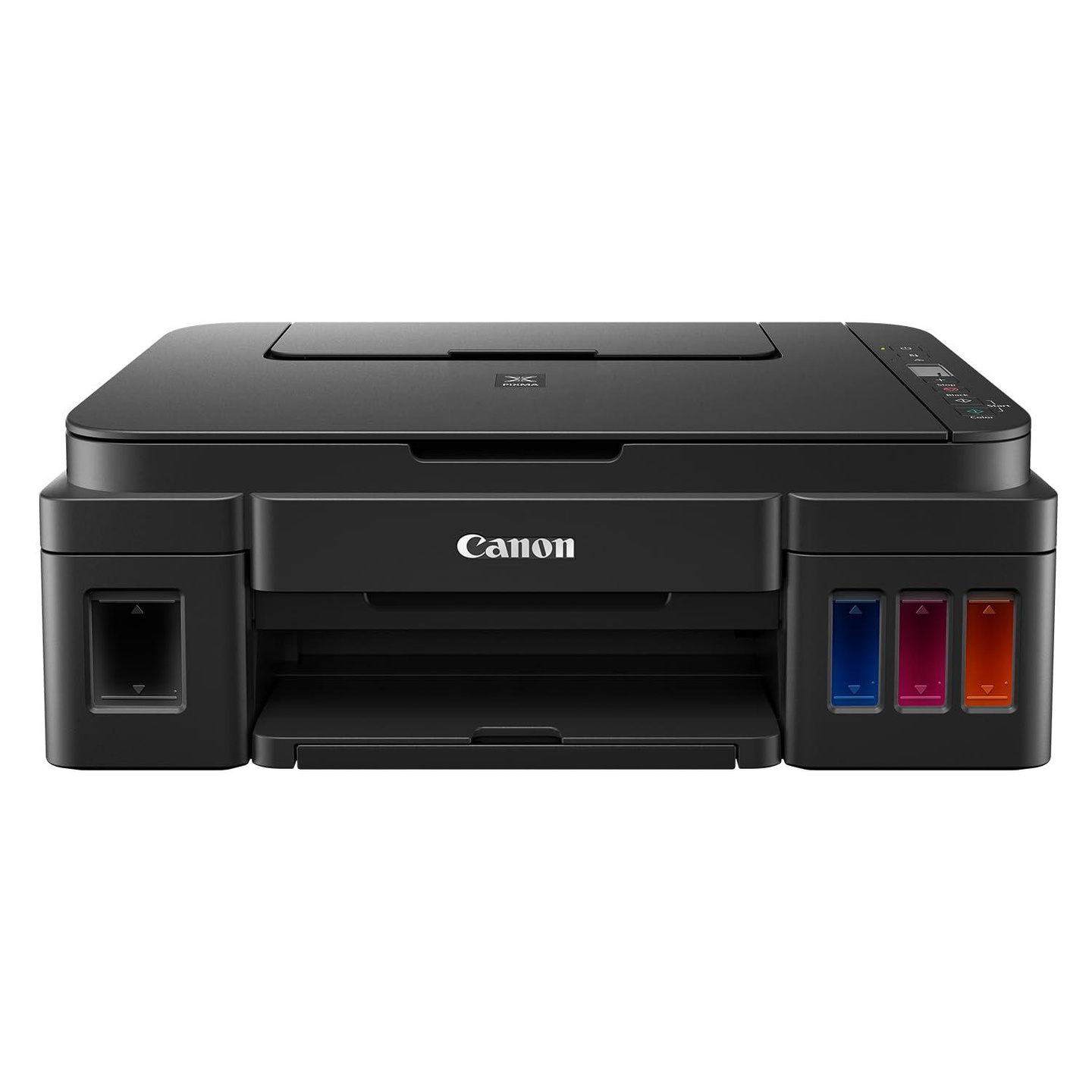
Canon PIXMA G2012 All-in-One Ink Tank Colour Printer with 2 Black Ink Bottles (6000 Prints) and Colour Bottles (7000 Prints)

Printer type: Inktank ; Functions: Print, Scan, Copy ; Printer output: Colour ; Connectivity: USB ; ...

View More
By: CanonPrinters
SKU: B07B4KHXHD
Highlights
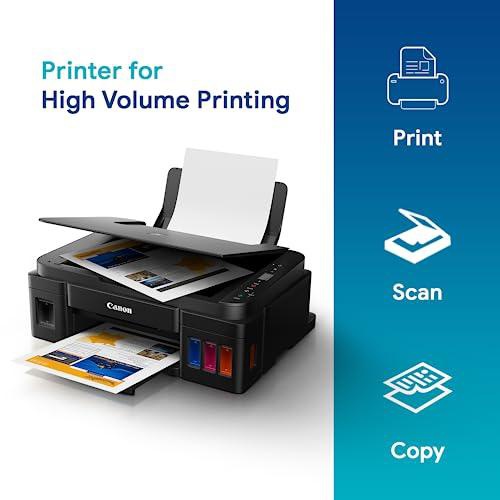
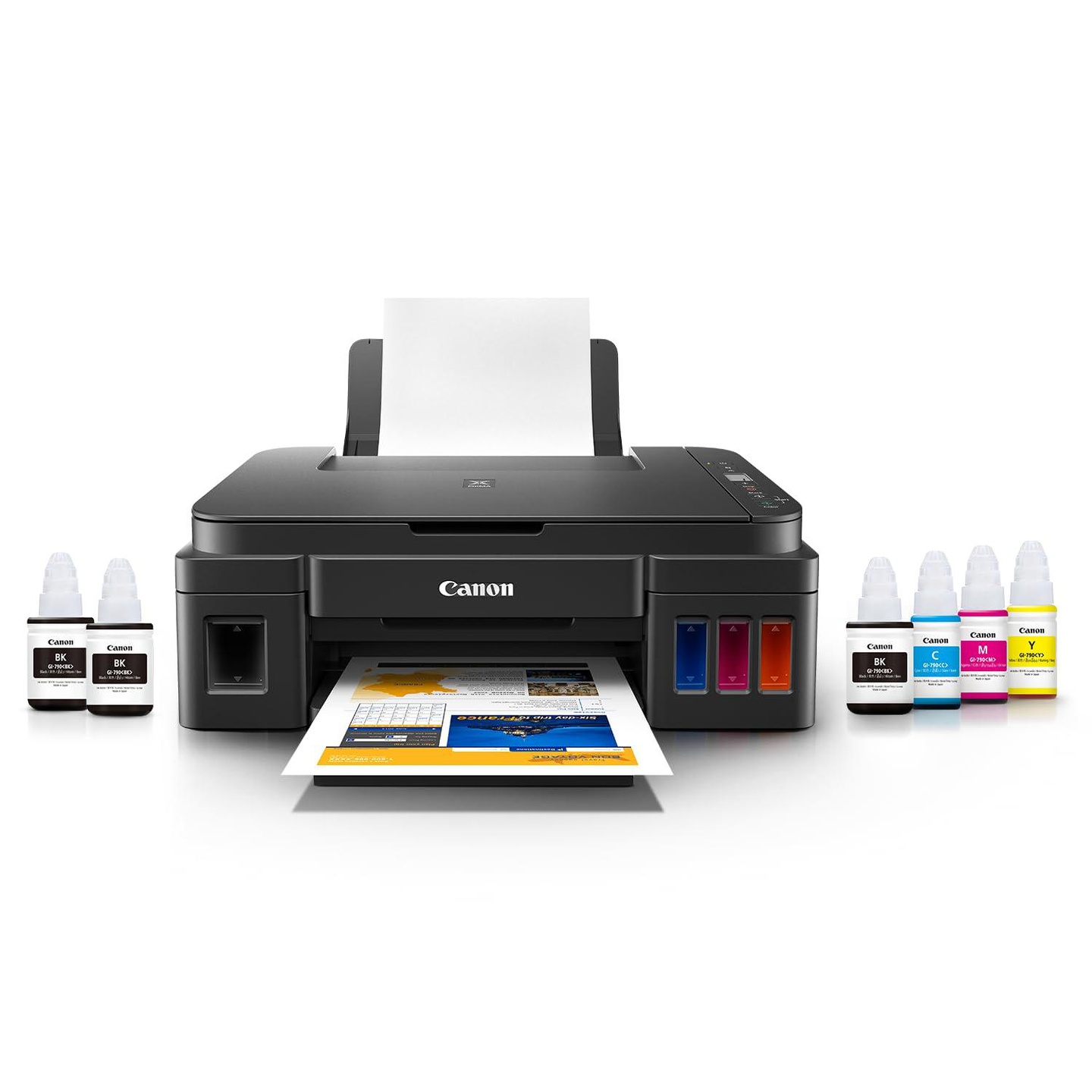
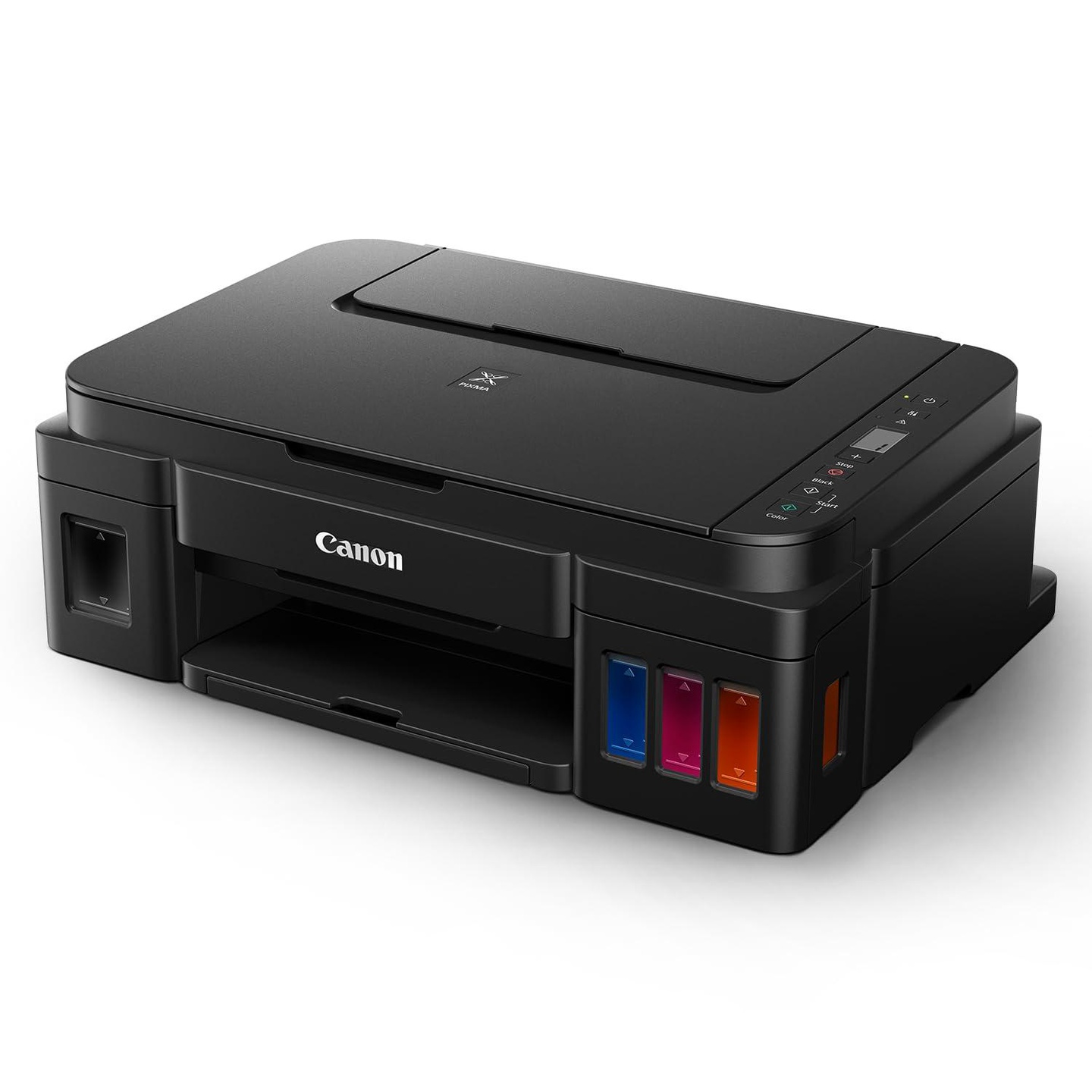
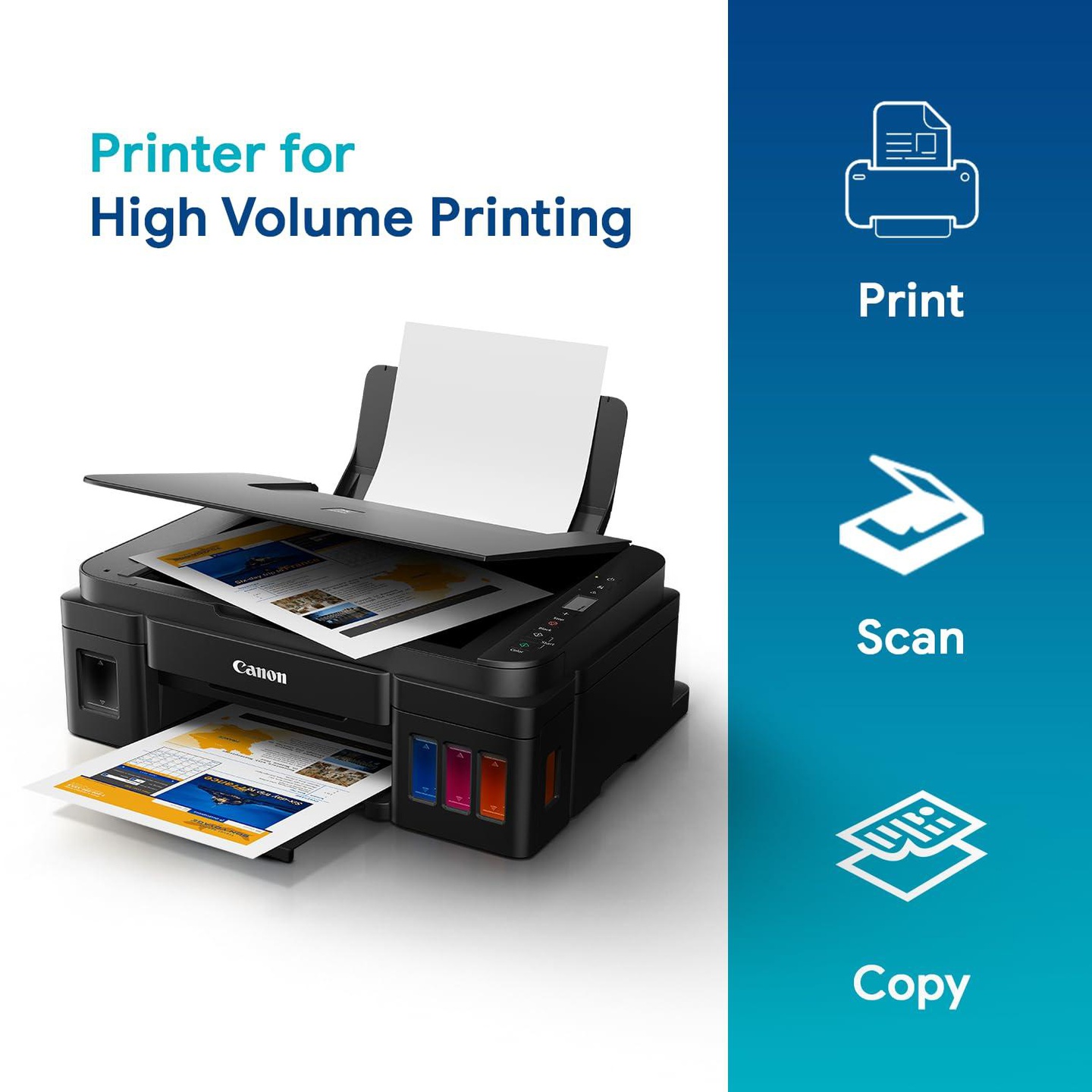
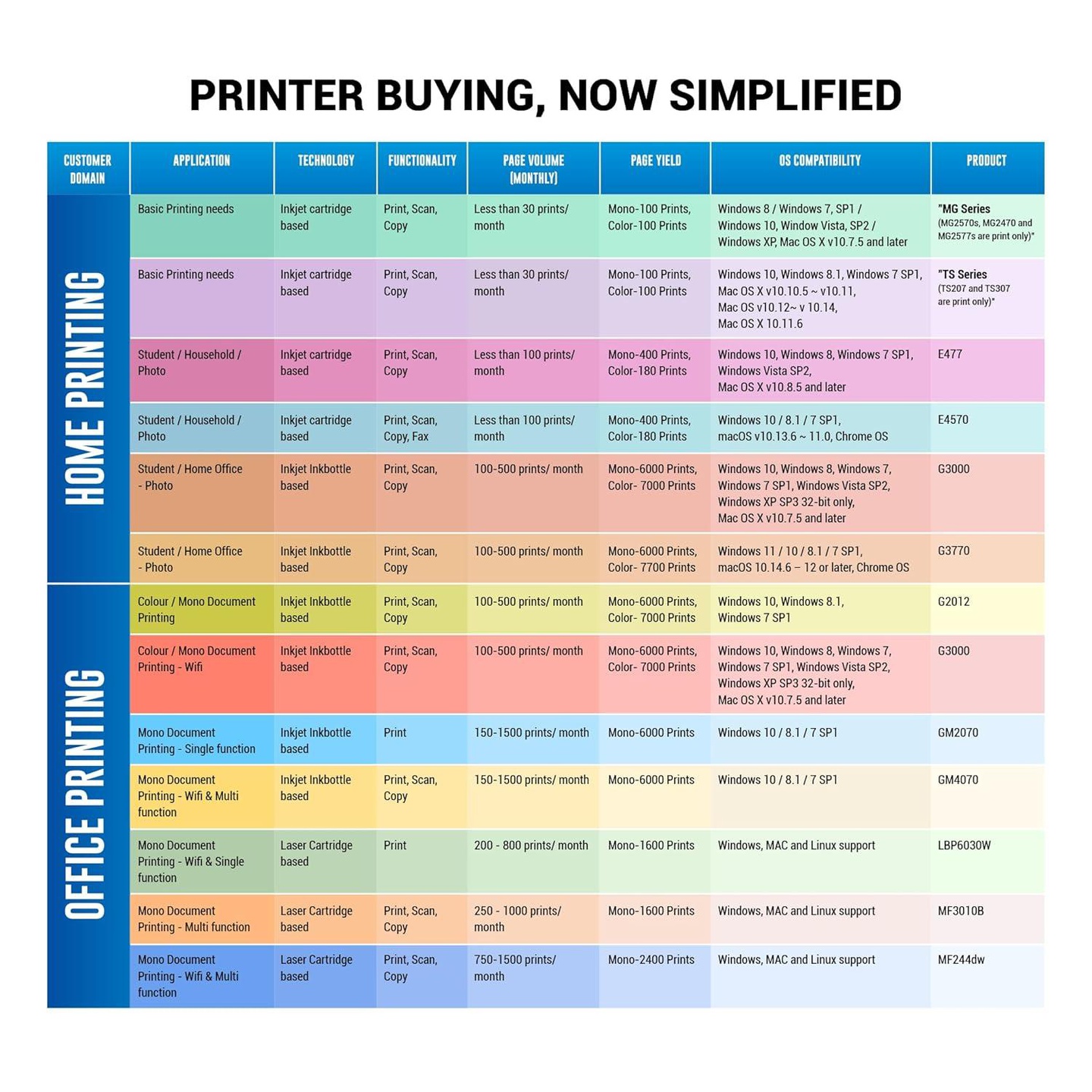
  1. Printer type: Inktank ; Functions: Print, Scan, Copy ; Printer output: Colour ; Connectivity: USB ; Scanner: Yes ; Scanner resolution: 600 x1200 dpi
  2. OS Compatibility: Windows 10, Windows 8.1, Windows 7 SP1 ; Mobile connectivity: No ; Hardware Interface: USB 2.0 Hi-Speed ; Enlarge/reduce option: No ; Duplex: No
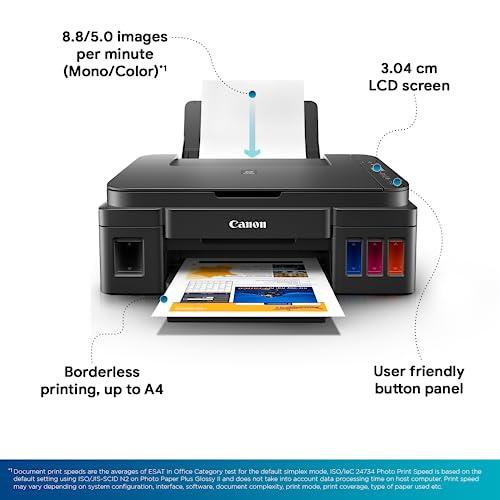
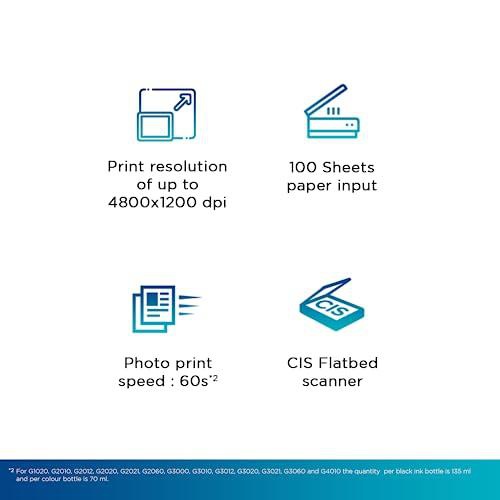
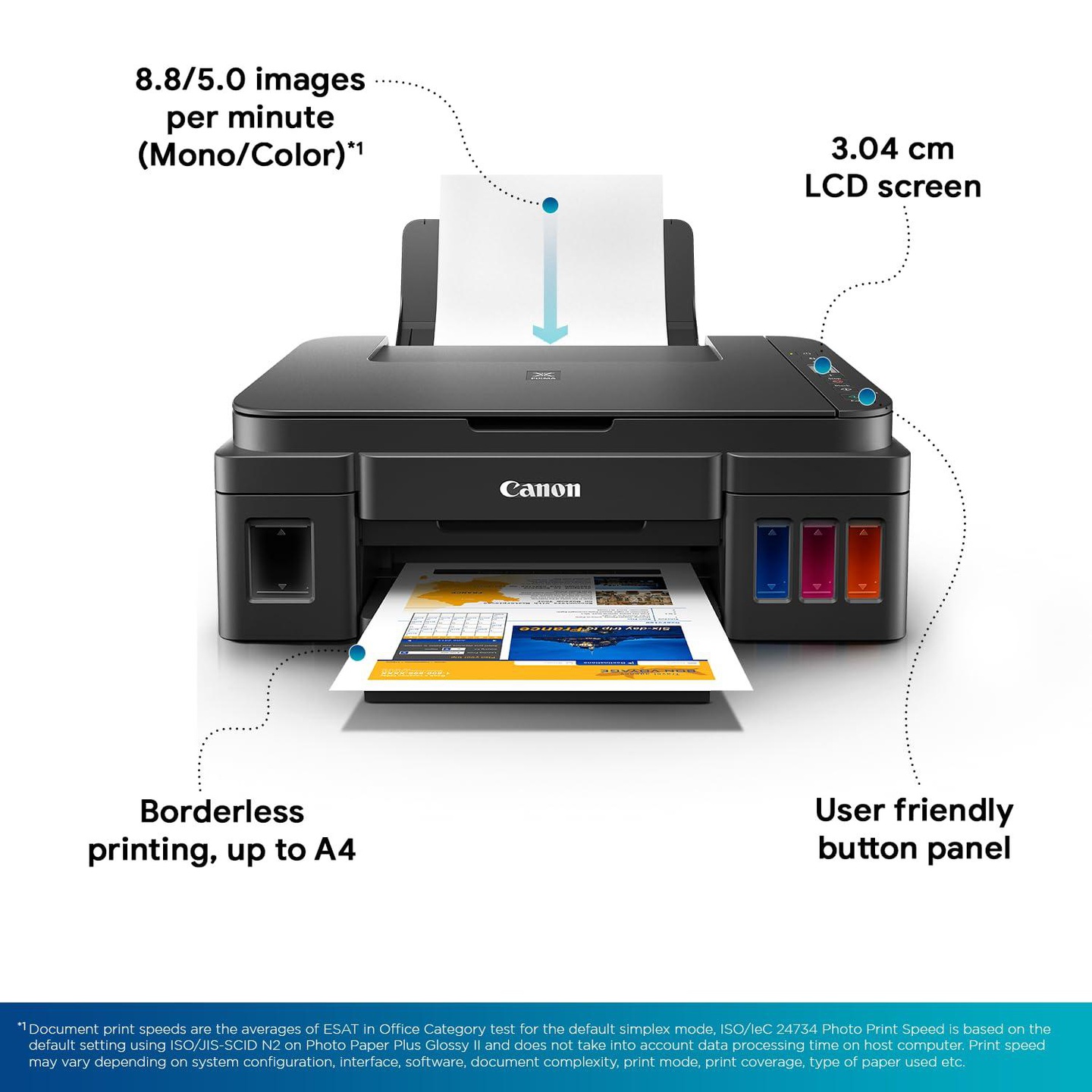
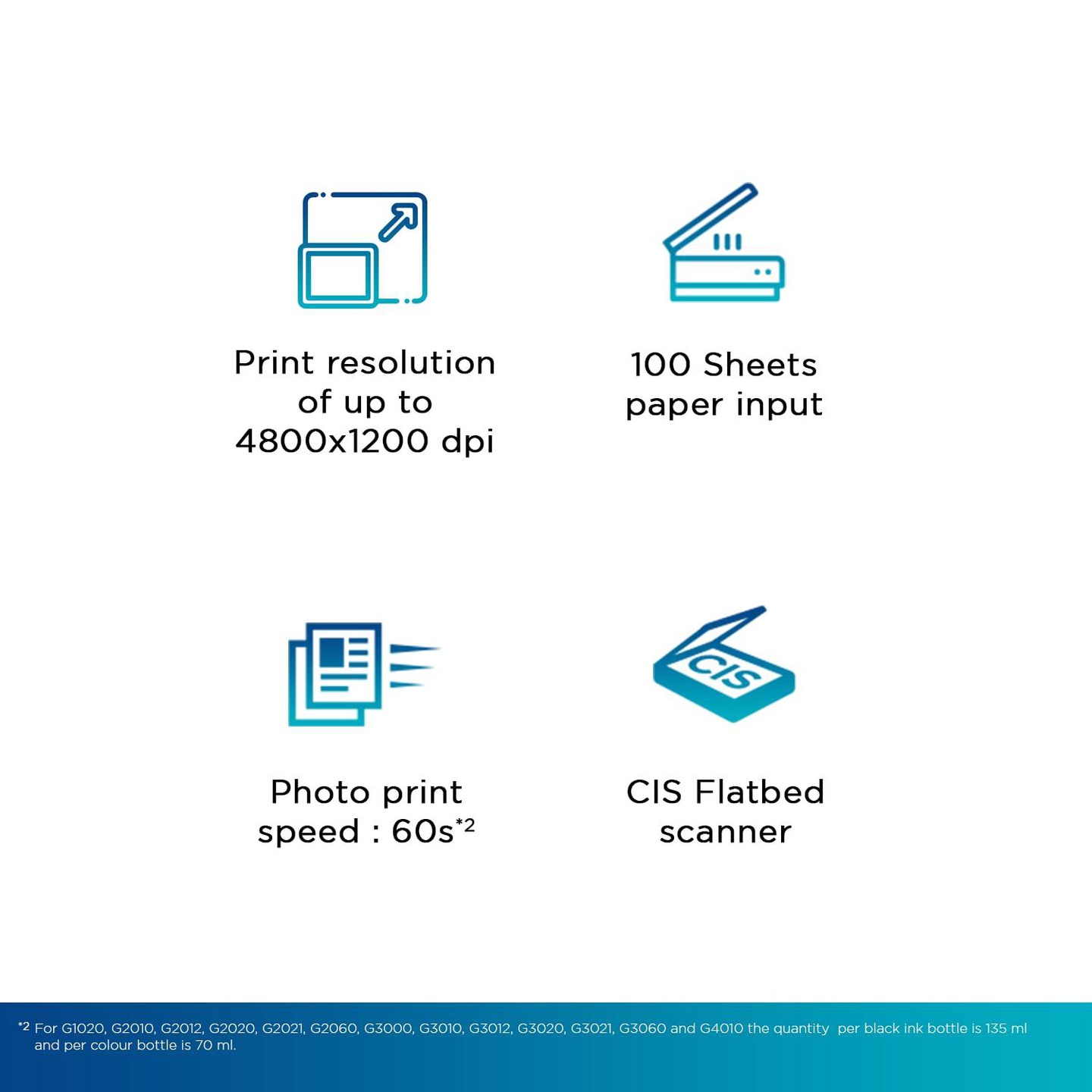
  3. Maximum Print Speed (color): 5.0 ipm, Maximum Print Speed (Monochrome):8.8 ipm ; Print cost Monochrome: Rs 0.10 ; Print cost color: Rs 0.24 ; Maximum Print Resolution(Color): 4800x1200 dpi, Maximum Print Resolution (Monochrome): 4800x1200 dpi
  4. Page size : A4, A5, B5, Letter, Legal, 10.16 x 15.24cm, 12.7 x 17.78cm, 20.32x 25.4cm, Envelopes (DL, COM10), Square (12.7x12.7cm), Business Card, Custom size (width 55 - 215.9mm, length 89 - 676mm ; Max paper thickness: 64 to 275 GSM ; Maximum Input Sheet Capacity: 100 sheets (A4) ; Compatible ink: GI790 Cyan, Magenta, Yellow, Black ; Additional Printer Function: Borderless Printing ; Power wattage of printer: OFF: 0.2W, Standby (scanning lamp is off) (USB connection to PC): 0.6W, Standby (all ports connected, scanning lamp is off): 0.6W, Copying: 9W
  5. Special Features: Borderless Printing, High volume printing; Ideal Usage: Home, Home Office ; Included Components: Printer, Power Cord, USB cable, Instruction Manual, 1 set of GI 790 Cyan, Magenta, Yellow and Black ink bottles
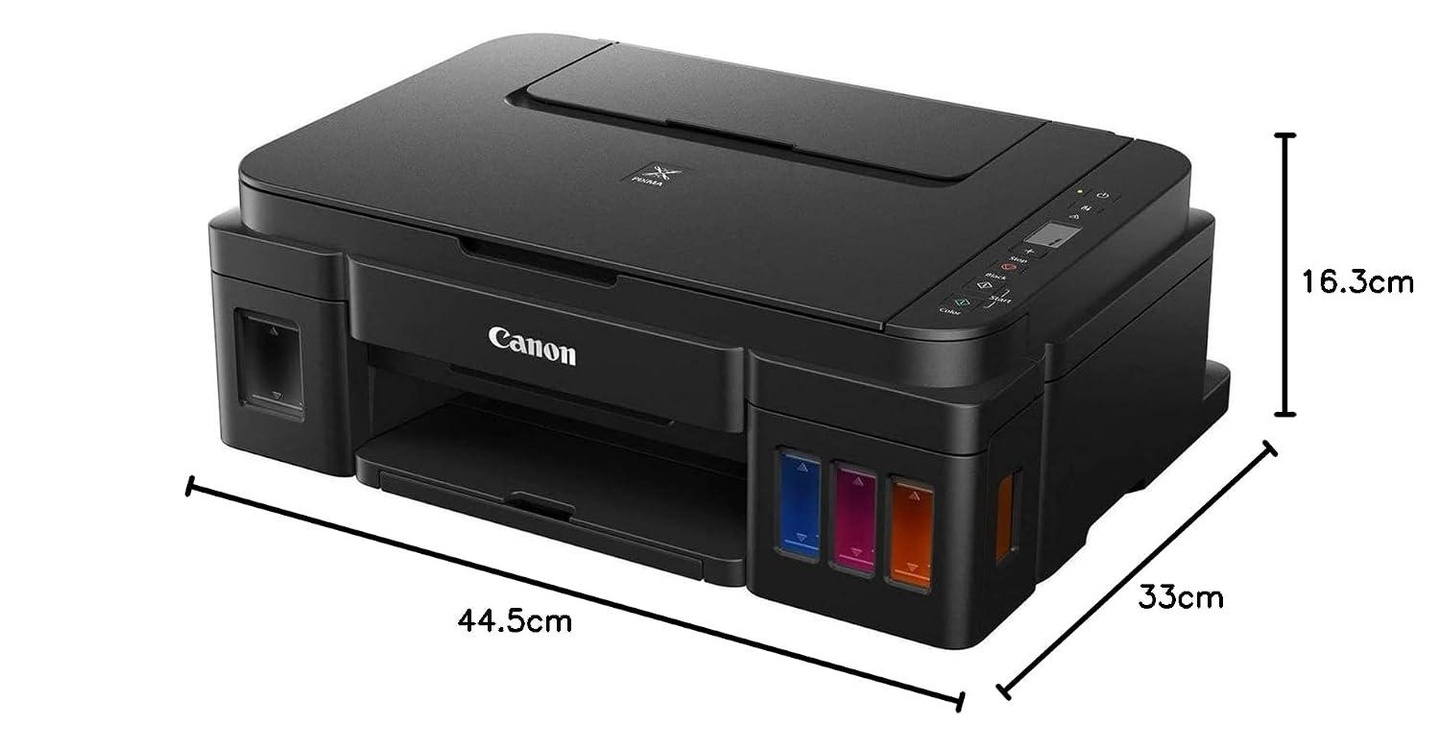
Weight & Dimensions
Unit NOS
Manufacturer Avail free installation on this model from Canon : contact brand customer care on: [1800 180 3366 ][1800 208 3366] Timings: 8:30am-5:30pm post receipt of product to book and schedule free installation and support, Canon
Country of Origin India